Advanced one-wire workflows
Work with supply wires, secondary panels, secondary buses, DC, conversion devices, and junction panels.
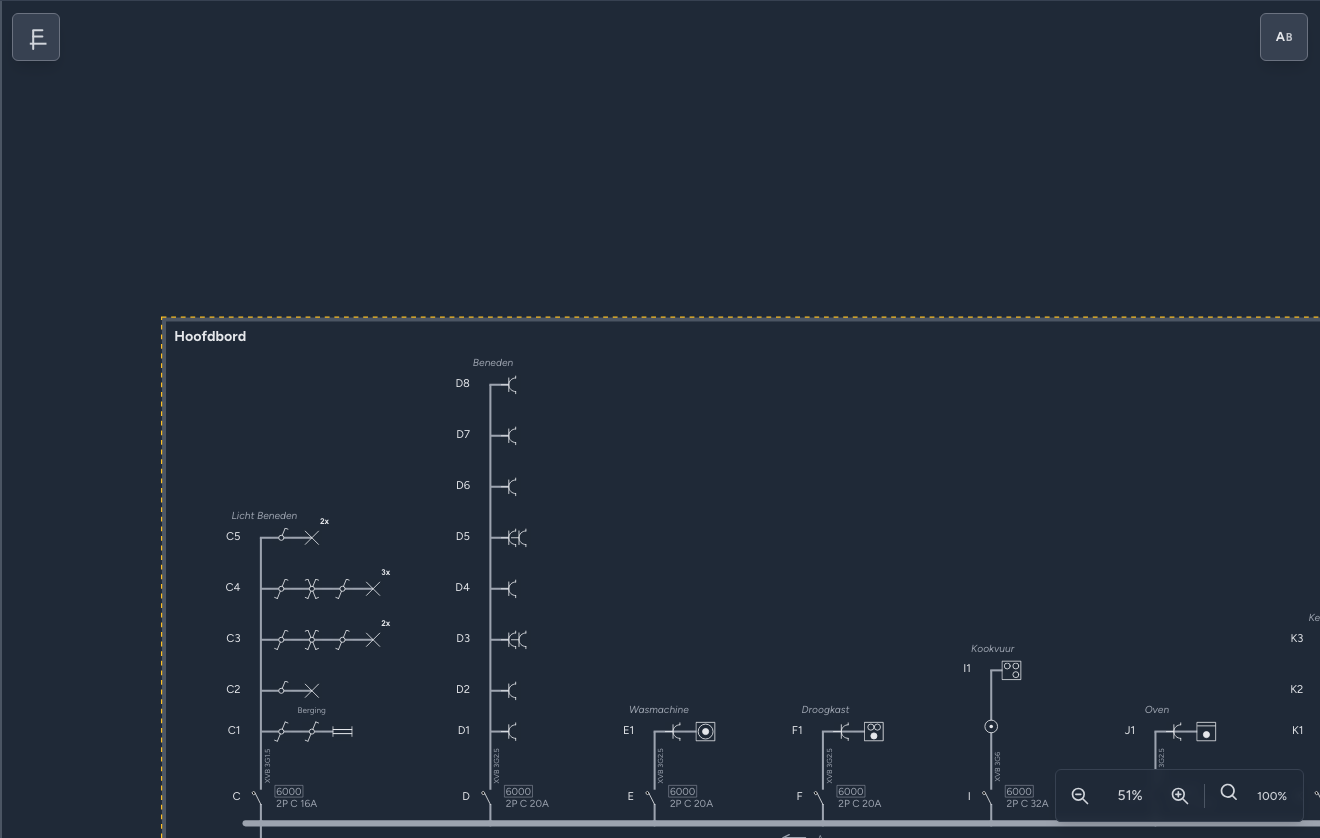
Use these workflows when the one-wire diagram goes beyond simple protected circuits with endpoints.
Validate after structural changes
Supply devices, secondary panels, conversion devices, and shared junction panels can affect validation, PDF export, and hardware tally.
Also available as video
Supply Wire And Protections

Dropping a protection, junction box, or junction panel on the main supply wire adds it as a supply trunk device. On a secondary panel incoming wire, a local protection can be added to that panel's PANEL supply circuit.
Energy meters and conversion devices are not added to the main supply wire. Use them on circuit trunks or branches where the editor allows it.
Surge Protection
| Type | Symbol | Appearance |
|---|---|---|
| Lightning protection |  | One arrow points inward from the left. |
| Spark gap |  | Two arrows point inward, one from each side. |
Add SPD (Surge Protection Device) from the symbol library and select it on the view. In Properties, choose Lightning protection or Spark gap using the two symbol buttons, then enter the number of poles and the breaking capacity in kA.
On the one-wire view, the SPD symbol branches to the left of an uninterrupted supply wire. The wire itself is not part of the SPD selection area. On the panel view, the chosen symbol appears in the module together with its label, rated current, breaking capacity, and phases where those values are available.
Secondary Panels

Drop a panel onto an existing panel, protection, circuit, or endpoint to create a secondary panel. Condui either links the new panel to the targeted feeder protection, or creates a new MCB feeder circuit.
Circuits that feed a secondary panel are terminal feeder circuits. Do not use them as ordinary endpoint circuits.
Secondary Buses
Drop a protection onto an existing circuit to create a nested secondary bus. Existing endpoints, branches, and trunk devices move under the new subcircuit.
If the original protection fed a secondary panel, Condui transfers that panel link to the new child protection so the feeder stays with the moved content.
DC, Solar, Batteries, And Conversion

Conversion devices such as transformer, rectifier, inverter, and DC-DC converter are circuit trunk devices. Solar panels and batteries are DC endpoints.
When you drop a solar panel or battery on a plain AC circuit with no upstream conversion, Condui inserts a rectifier first and then places the DC endpoint. On an existing DC segment, the endpoint is placed directly. After a socket, solar and battery are treated as plug-in behavior and no trunk rectifier is added.
DC Rail
A DC rail is added to a DC part of the diagram, usually after an inverter or another conversion device. It brings several DC branches together when you want to connect multiple solar panels, batteries, or other DC devices to the same DC supply. This represents a device such as a Victron Lynx DC bus.
Drag DC rail from the symbol library onto the device's DC connection or DC supply wire. Then add the DC devices to the branches of the busbar.
Junction Panels And Shared Placement

A junction box has no plan placement and no label. A junction panel has a label and can appear on the situation plan.
Multiple one-wire junction panel symbols with the same label share one physical plan placement. Use the same label for the same physical junction panel, and a different label for a different location.